

Container Loading Calculator
Free online 3D container planner for freight forwarders, exporters, warehouses, and shippers. Optimize loading space, improve carton arrangement, and reduce shipping costs instantly.
- Free Online ToolNo sign-up, unlimited plans
- 3D Cargo VisualizationRotate, zoom & replay loading
- 20ft / 40ft / 45ft / Custom ContainersStandard, reefer & custom sizes
- Weight & Space OptimizationPayload limits & stacking rules
Loading resources, please wait...
 Products
 Containers
 Stuffing Result





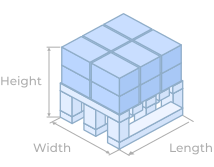
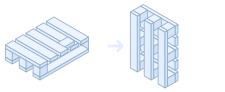
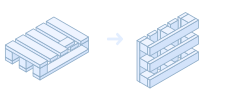

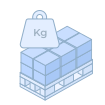






How to Use the Container Loading Calculator
Plan a full container load in four simple steps. Add your cargo, pick a container, and let the 3D engine work out where every item goes.
-
 1
Add your cargo
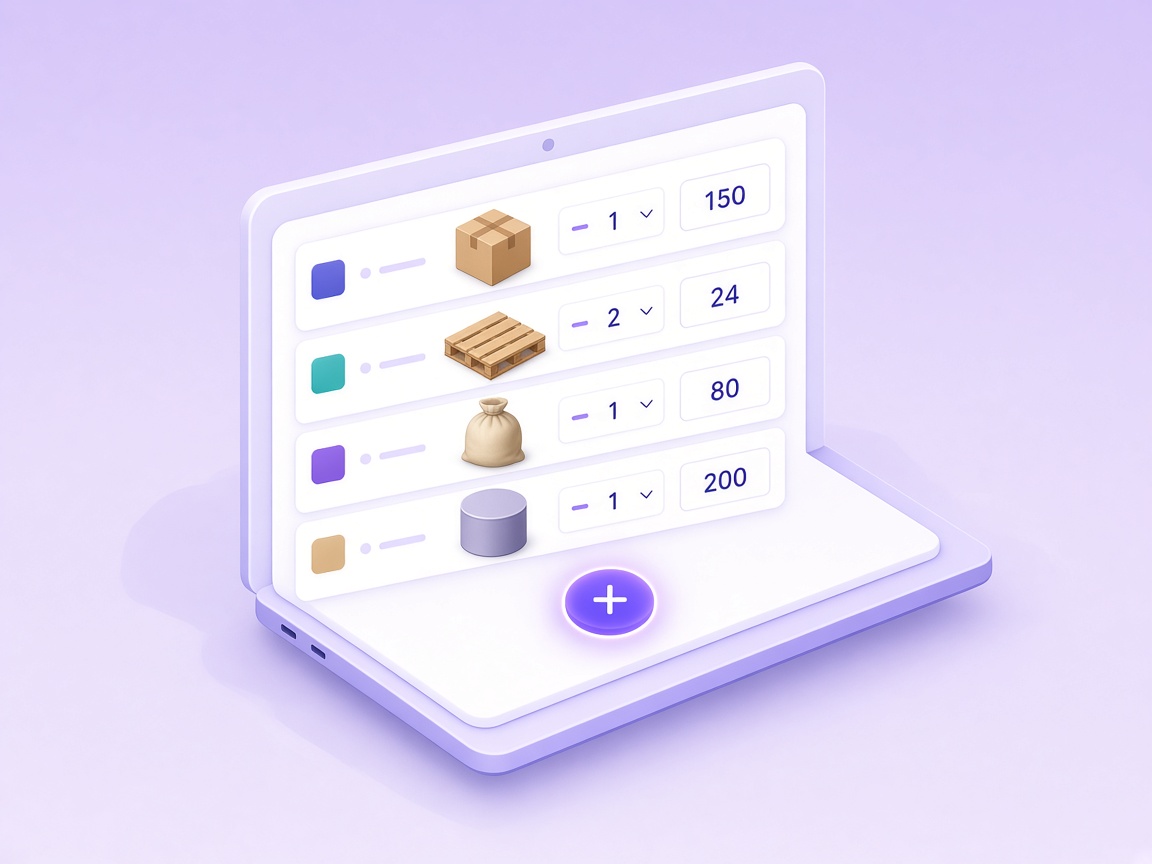
Open the Products tab and click Add Product. Pick a cargo type, then enter the name, dimensions, weight and quantity. Have a long packing list? Import it from Excel in one go.
- Boxes, pallets, big bags, sacks and cylinders
- Set color, quantity and loading rules per product
- Import many items at once from Excel
-
 2
Choose your container(s)
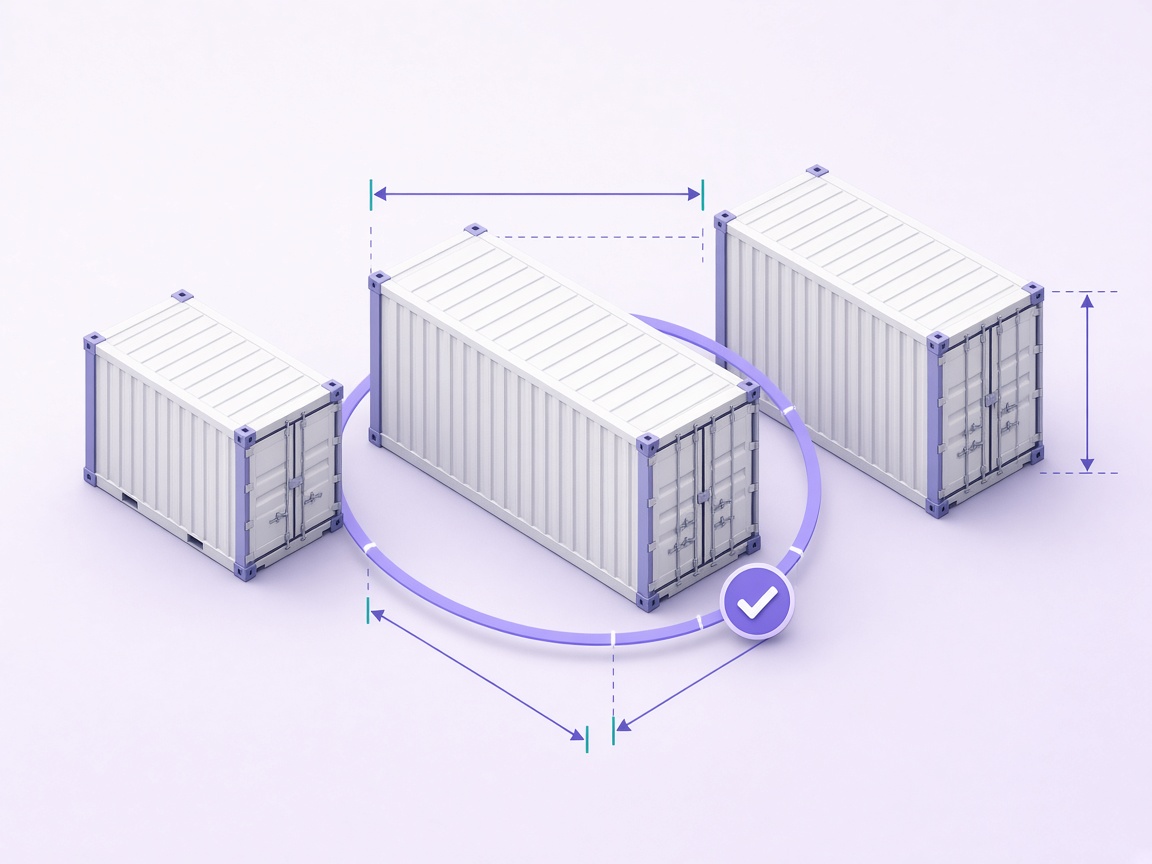
Switch to the Containers tab and click Add Container. Select a standard 20ft, 40ft, 40ft High-Cube, 45ft High-Cube or refrigerated container, or enter custom inside dimensions and a payload limit.
- Real inside dimensions and max weight pre-filled
- Add several containers and quantities
- Custom size for special equipment
-
 3
Calculate the stuffing plan
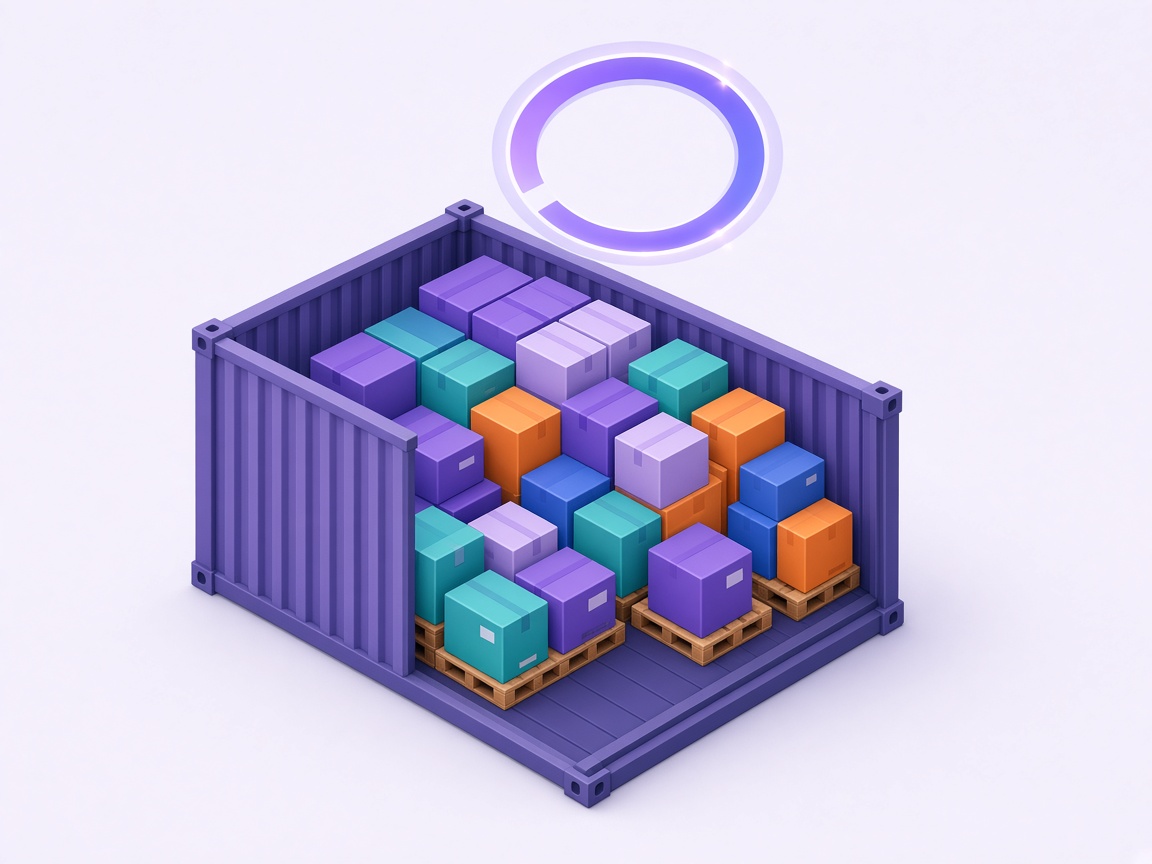
Click Next to open Stuffing Result. The engine calculates the exact 3D position of every item and shows how many pieces were loaded, the volume and weight used, and any cargo that did not fit.
- Space and weight utilization at a glance
- Unloaded cargo listed with the missing quantity
- Fully automatic, no manual placement needed
-
 4
Review, replay and export
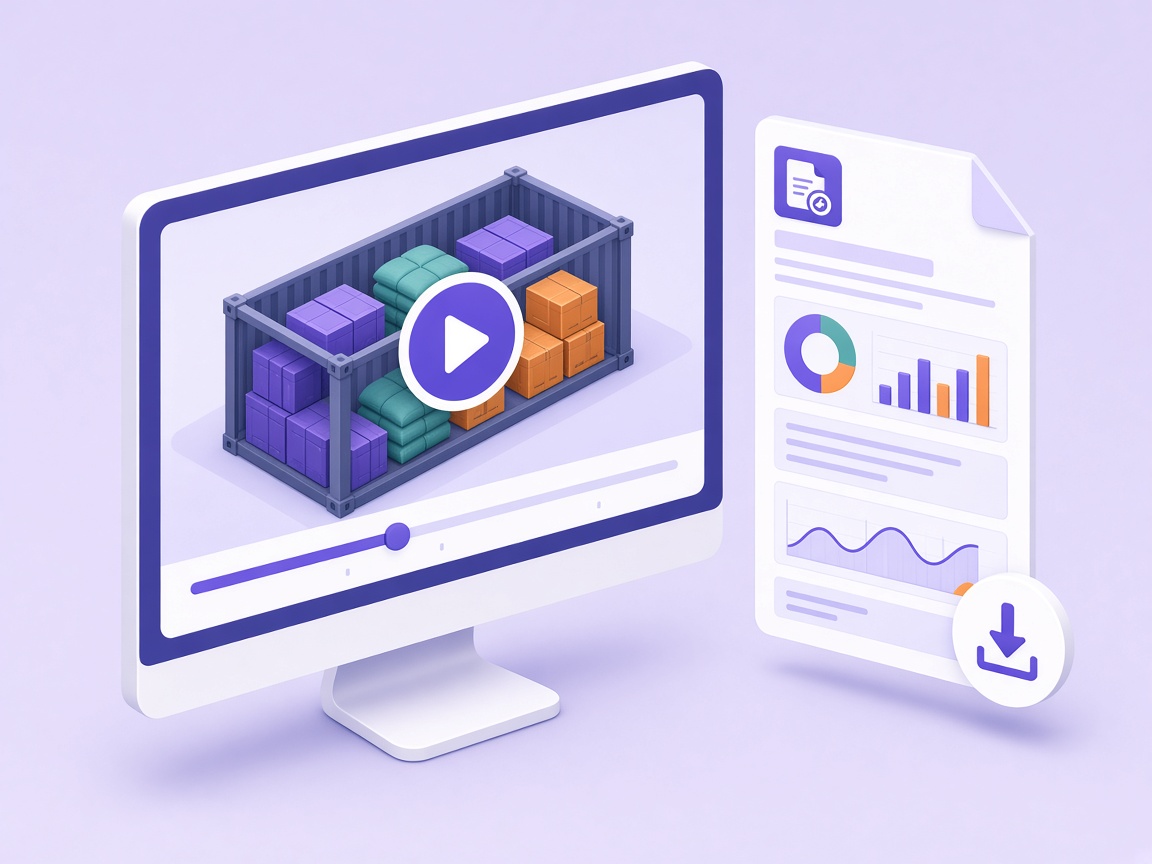
Rotate, zoom and inspect the 3D model, play the loading animation to see the order of loading, and download a PDF report to share with your warehouse team, factory or customer.
- Interactive 3D view of each container
- Loading animation shows the order
- PDF report ready to print or send


Supported Cargo Types & Container Types
From cartons and pallets to bagged and cylindrical goods, in every standard container size or your own custom dimensions.
Cargo types
Five cargo shapes cover almost any shipment.
-
 BoxCartons, cases and crates. They can be rotated to find the tightest fit.
-
 PalletPalletized goods that always stay upright, with optional layer and weight rules.
-
 Big BagsFlexible intermediate bulk containers (FIBC) for powders and granules.
-
 SacksSoft bagged goods such as cement, grain, fertilizer or coffee.
-
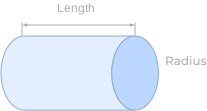
 CylindersDrums, barrels, rolls and tubes, standing upright or lying down.
Container types
Inside dimensions, capacity and max weight are pre-filled for you.
-

20' Standard
- Inside L×W×H
- 5.895 × 2.350 × 2.392 m
- Capacity
- 33 m³
- Max weight
- 28,230 kg
-

40' Standard
- Inside L×W×H
- 12.192 × 2.350 × 2.392 m
- Capacity
- 67 m³
- Max weight
- 30,480 kg
-

40' High-Cube
- Inside L×W×H
- 12.192 × 2.350 × 2.698 m
- Capacity
- 76 m³
- Max weight
- 30,480 kg
-

45' High-Cube
- Inside L×W×H
- 13.556 × 2.350 × 2.698 m
- Capacity
- 86 m³
- Max weight
- 30,480 kg
-

20' Refrigerated
- Inside L×W×H
- 5.455 × 2.290 × 2.260 m
- Capacity
- 28 m³
- Max weight
- 30,480 kg
-

40' Refrigerated
- Inside L×W×H
- 11.550 × 2.290 × 2.260 m
- Capacity
- 60 m³
- Max weight
- 30,480 kg
-
Custom container
Enter your own length, width, height and payload for special or non-standard equipment.
A Loading Algorithm You Can Trust on the Dock
CargoesPi doesn't just add up cubic meters. It places every item in true 3D, so the plan reaches, and often beats, the space utilization of experienced loaders. It also works as a ready-made guide before the first carton moves.

-
True 3D placement
Every item gets exact coordinates inside the container, with no overlaps and nothing outside the walls. It is far more than a volume estimate.
-
Smart orientation search
The engine cycles through the allowed orientations of each product until everything is loaded or the remaining space can't take any more cargo.
-
Big & heavy first, gaps filled
Large and heavy cargo goes in first for a stable base, then smaller items fill the leftover gaps to squeeze out wasted space.
Typical space utilization of standard containers
100% is impossible in practice because cargo never matches the interior perfectly. These are the typical ranges you can expect from good planning.
-
85–90%20' Standard 28–30 CBM
-
88–90%40' Standard 58–60 CBM
-
90–92%40' High-Cube 68–70 CBM
-
90–93%45' High-Cube 78–80 CBM
Utilization depends on how well your cargo dimensions match the container interior. The larger the cargo, the lower the rate.
Spreadsheet vs. manual loading vs. CargoesPi
| Capability | Spreadsheet / CBM estimate | Manual loading on site | CargoesPi 3D simulation |
|---|---|---|---|
| Exact position of every item | No | Partly | Yes |
| Leftover space and unloaded cargo known before shipping | No | No | Yes |
| Orientation, layer, height and weight rules respected | No | Yes | Yes |
| Step-by-step guidance for the loading crew | No | No | Yes |
| Repeatable result you can share (3D view and PDF) | Partly | No | Yes |
Powerful Features for Real-World Loading
Go beyond a simple volume calculator with controls that mirror how containers are actually packed.
-
Priority loading
Tick products in the order they must be loaded (1st, 2nd, 3rd …). Higher-priority cargo is always placed first and never squeezed out, while lower priorities use the space that remains.
-
Orientation control
Decide how each product may be turned. Allow or forbid length and width vertical to keep fragile, precision or "this side up" goods upright. Pallets always stay upright.
-
Layer, height & weight limits
Limit the layers of identical products, cap the stacking height, set the maximum weight allowed on top, or disable stacking entirely so nothing is placed on a product.
-
Loading animation
Play the whole stuffing process step by step in 3D, so your crew sees exactly which item goes where and in which order.
-
PDF report download
Export a clean PDF with the container layout, loaded quantities, weight and volume utilization to attach to quotes, share with warehouses or keep on file.
Ready to plan your next container?
Add your cargo and see the 3D loading plan for free.
Container Loading Best Practices
- Distribute cargo weight evenly
- Load heavy cartons first
- Protect fragile cargo zones
- Use vertical space efficiently
- Check payload limits before dispatch
Container Loading Calculator FAQs
Is this container loading calculator free?
Yes, it is free to use online.
Can I calculate 20ft, 40ft and 45ft containers?
Yes. Standard container sizes and custom dimensions container are supported.
What is the Container Loading Calculator?
Calculate 3D coordinates of each cargo item within the container interior, then render a visualized spatial model through animated presentation.
Can I preview cargo in 3D?
Yes. The tool includes 3D loading visualization.
What Calculation Principles are Used in the Calculator?
Large and heavy cargo items are prioritized first. System cyclically adjusts cargo orientation until all items are loaded or remaining space can not accommodate any cargo.
What are the General Space Utilization Rates of Standard Containers?
In actual loading operations, achieving 100% container space utilization is practically impossible due to cargo dimension are not perfectly matched with container interior space. The bigger of cargo dimension, the lower the utilization rate. General Space Utilization Rates of Standard Containers are as follows:
- 20' Standard: 85-90%(28-30CBM)
- 40' Standard: 88-90%(58-60CBM)
- 40' High-Cube: 90-92%(68-70CBM)
- 45' High-Cube: 90-93%(78-80CBM)